Video Manipulation

Interactive / Dynamic / Colorful / Mirror Effect / Real-time

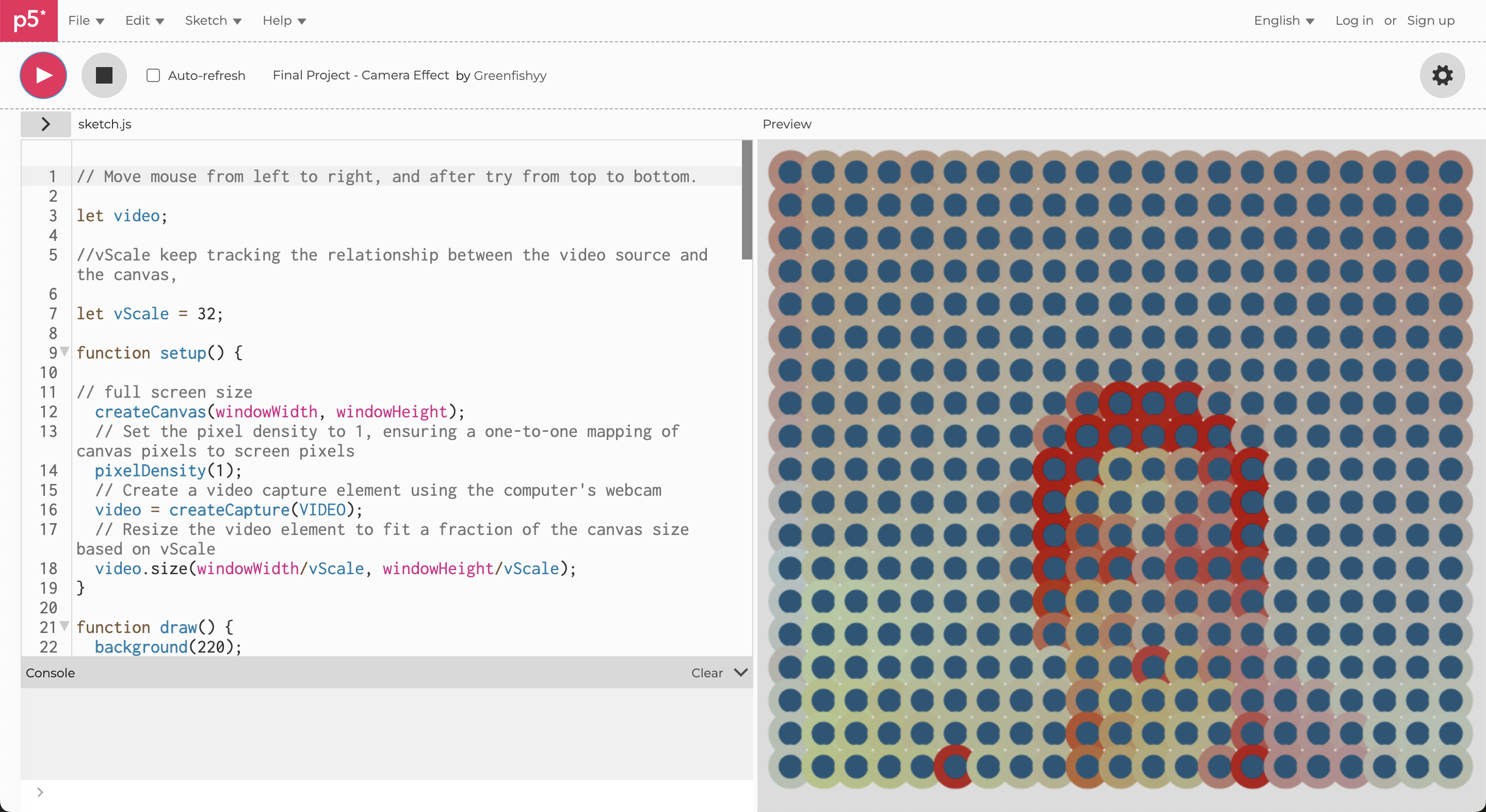
This project, created as my final work during the ICM class at NYU’s Interactive Telecommunications Program (ITP), utilizes p5.js—a JavaScript library that simplifies creative coding, especially for visual and interactive projects. The code is based on a framework developed by Daniel Shiffman, a professor at ITP, and was customized to meet my own design criteria.
TIME
2 weeks
DESCRIPTION
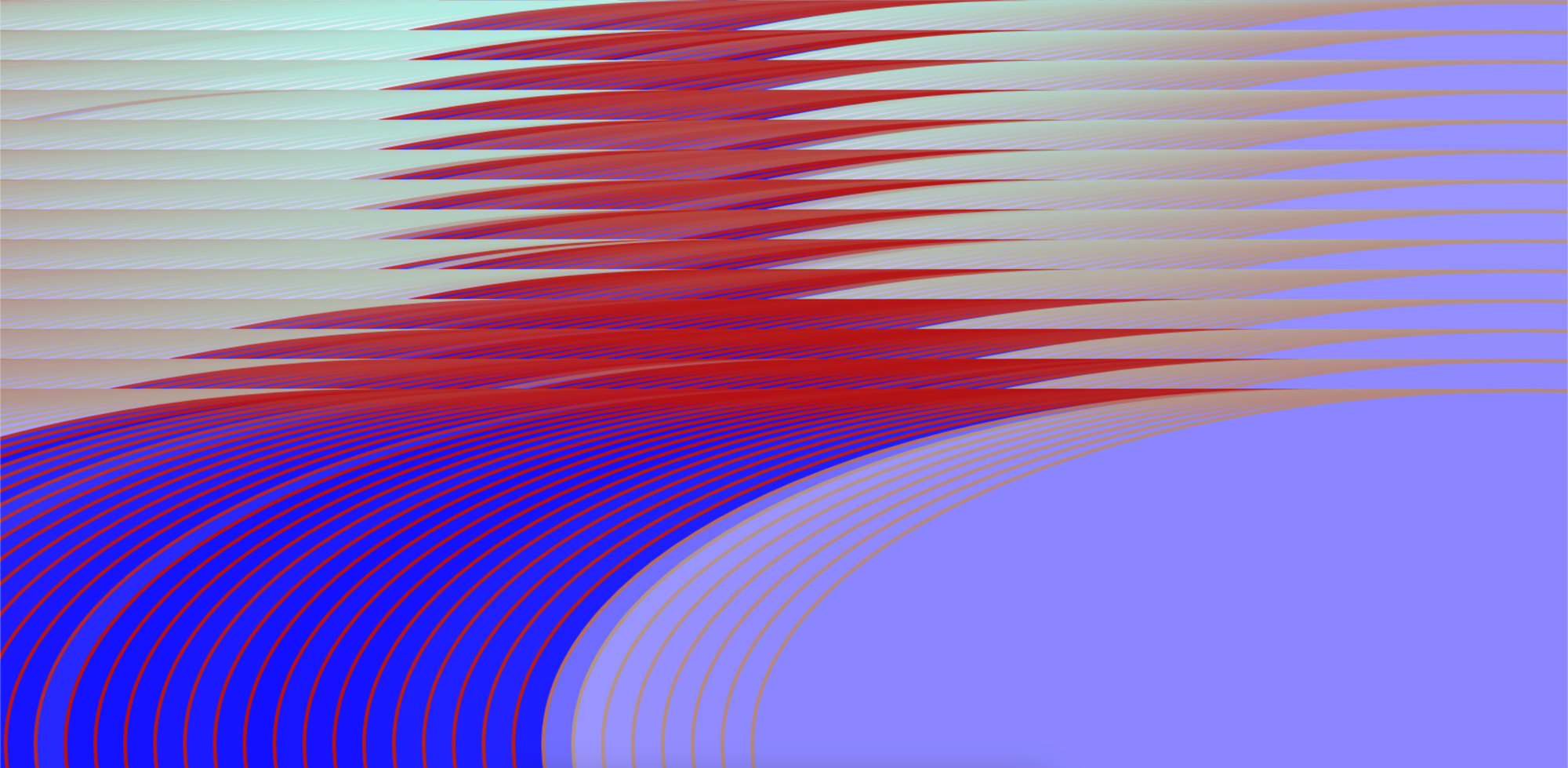
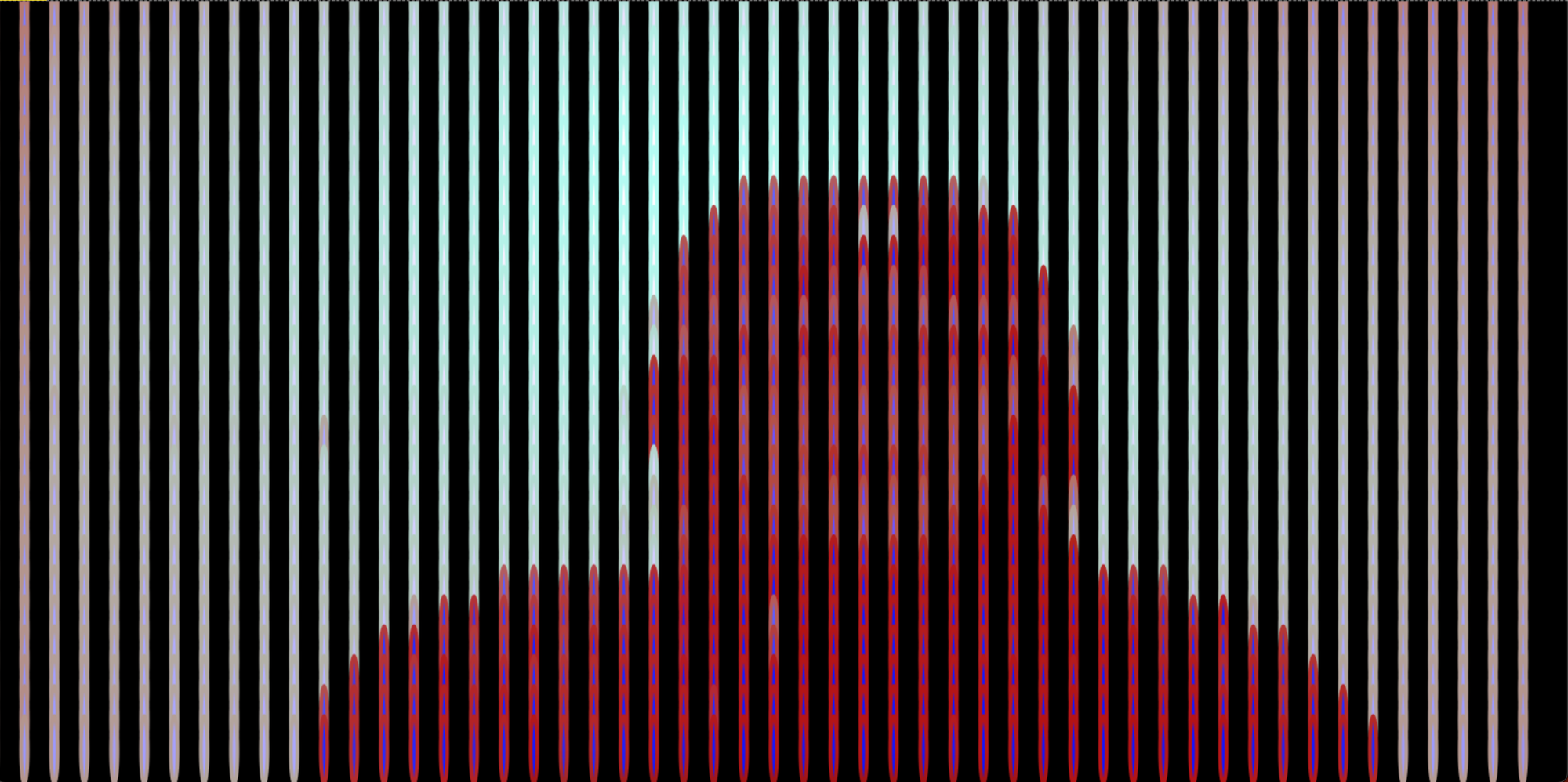
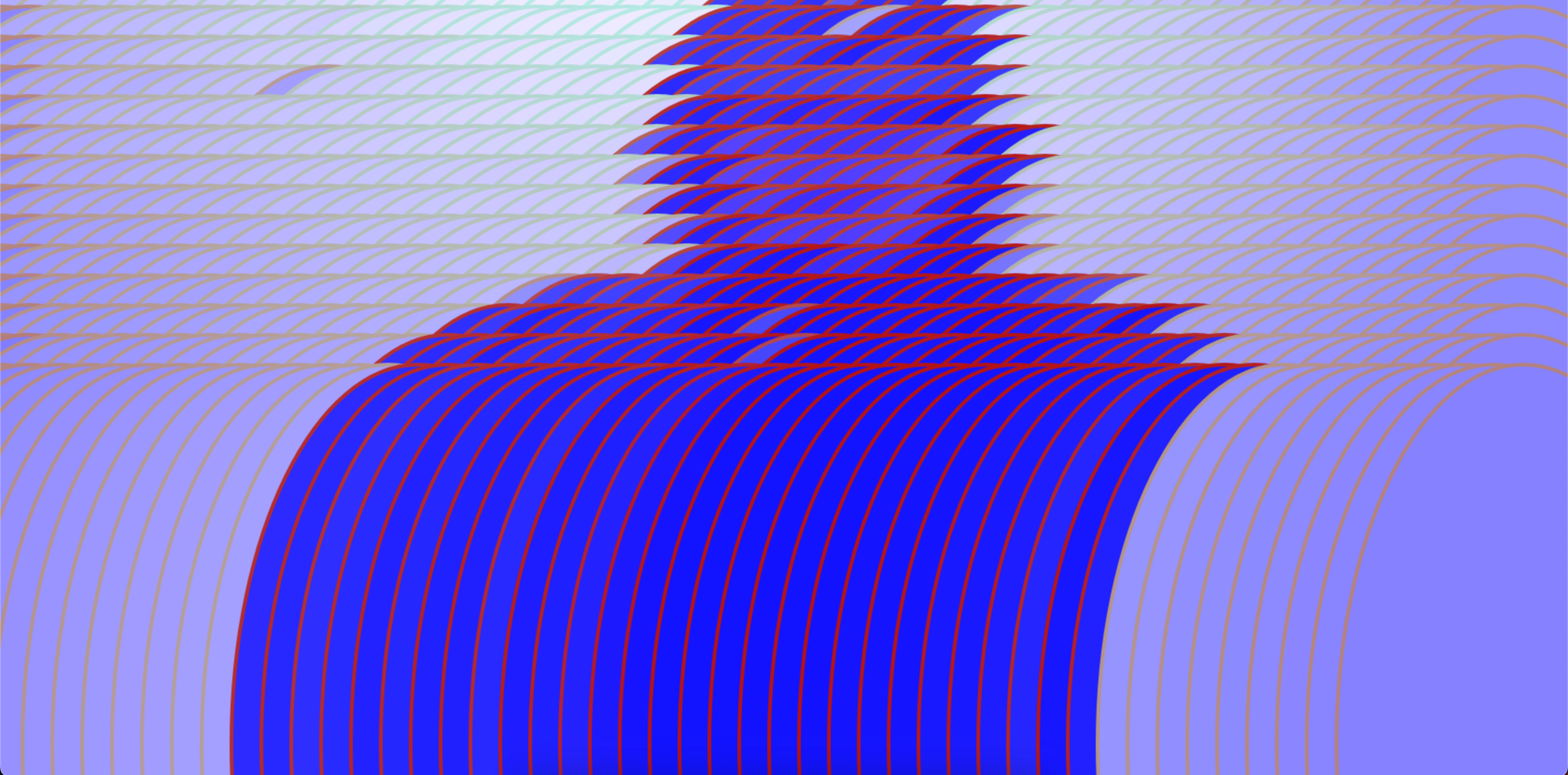
Please ensure you allow camera access when prompted by your browser. Once granted, you'll see a live video feed from your webcam. By moving the mouse around, you can alter the visual effects on the screen. To capture the moment, simply take a screenshot.
Project Overview
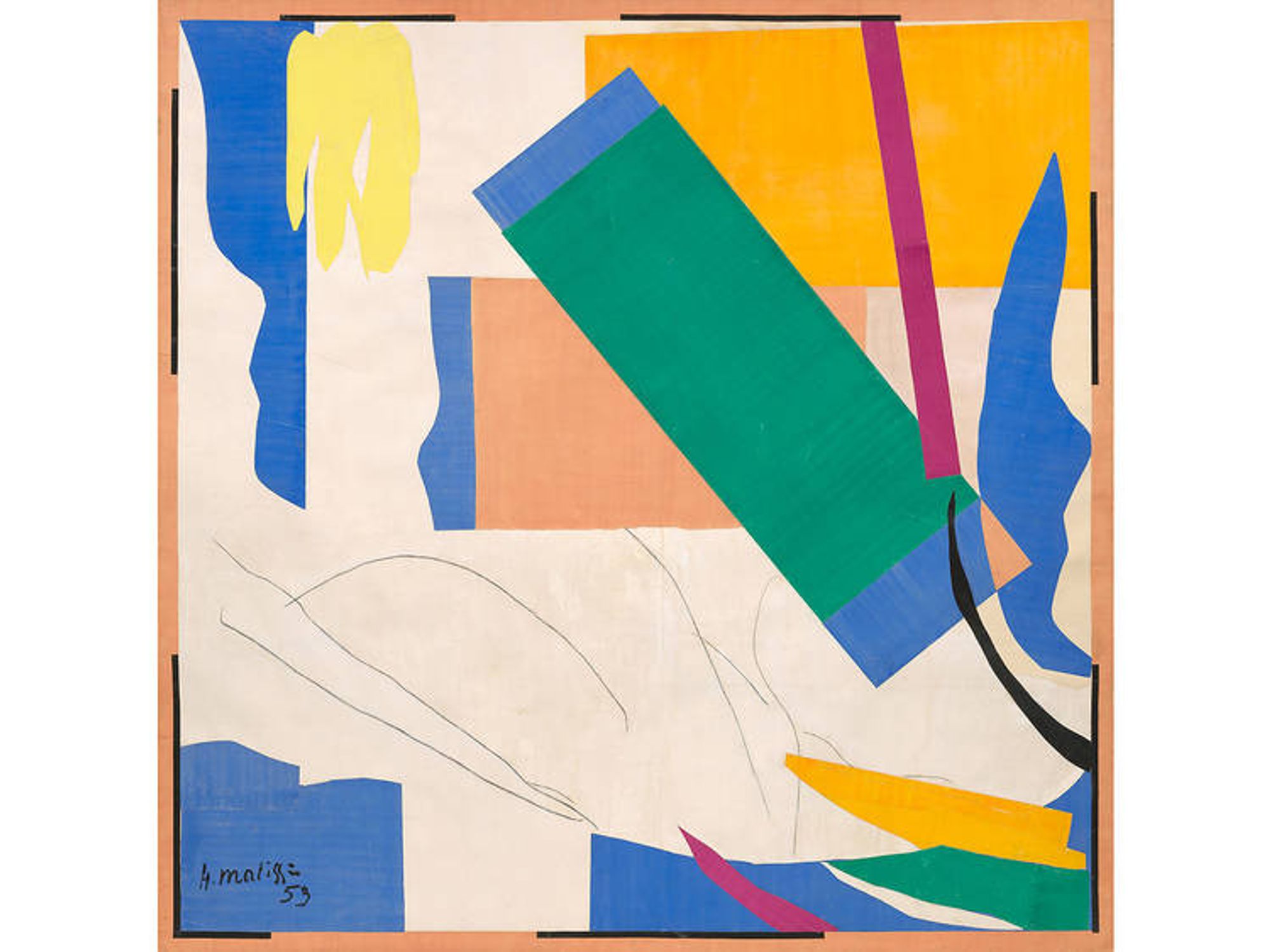
In the realm of reality, there are no defined lines; yet, when we draw, we create connections between surfaces. Lines serve as guides, delineating borders and distinguishing primary and secondary objects on the canvas. Drawing inspiration from Henri Matisse, who skillfully outlined his paintings to emphasize characters, I find fascination in highlighting this technique in my project. By accentuating these lines, I aim to capture the essence of connection and distinction, bridging the gap between objects and surfaces, and showcasing the beauty of deliberate outlines in the artistic process.

I'm always surrounded by various colors and objects that capture my attention. I love taking pictures of moments when different colors and objects unexpectedly come together to create beautiful compositions. I use outlines and contrasting colors in my project. But it's not just about observing these moments. My project aims to show how extraordinary beauty can be found in ordinary things, appreciating our surroundings' small details and unexpected combinations.

Technical Functionality
The code describes a real-time video processing sketch that transforms a live video feed into an interactive, mirrored, and colorful pixel art display. The primary changes over time in the resulting image can be described as:

1. Mirrored Effect: The video is reversed to create a mirror effect by processing the pixels from right to left, making the video appear mirrored horizontally.

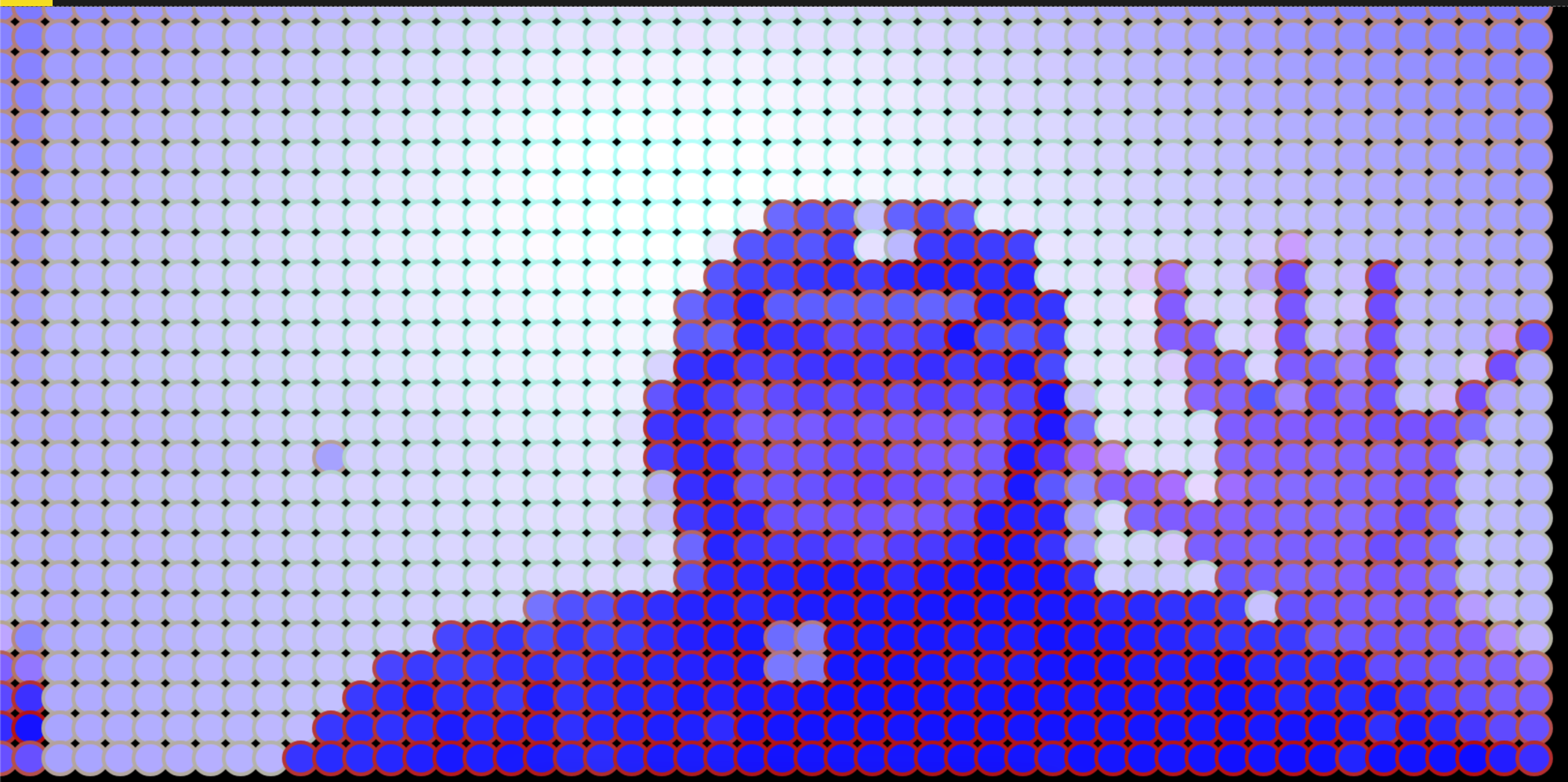
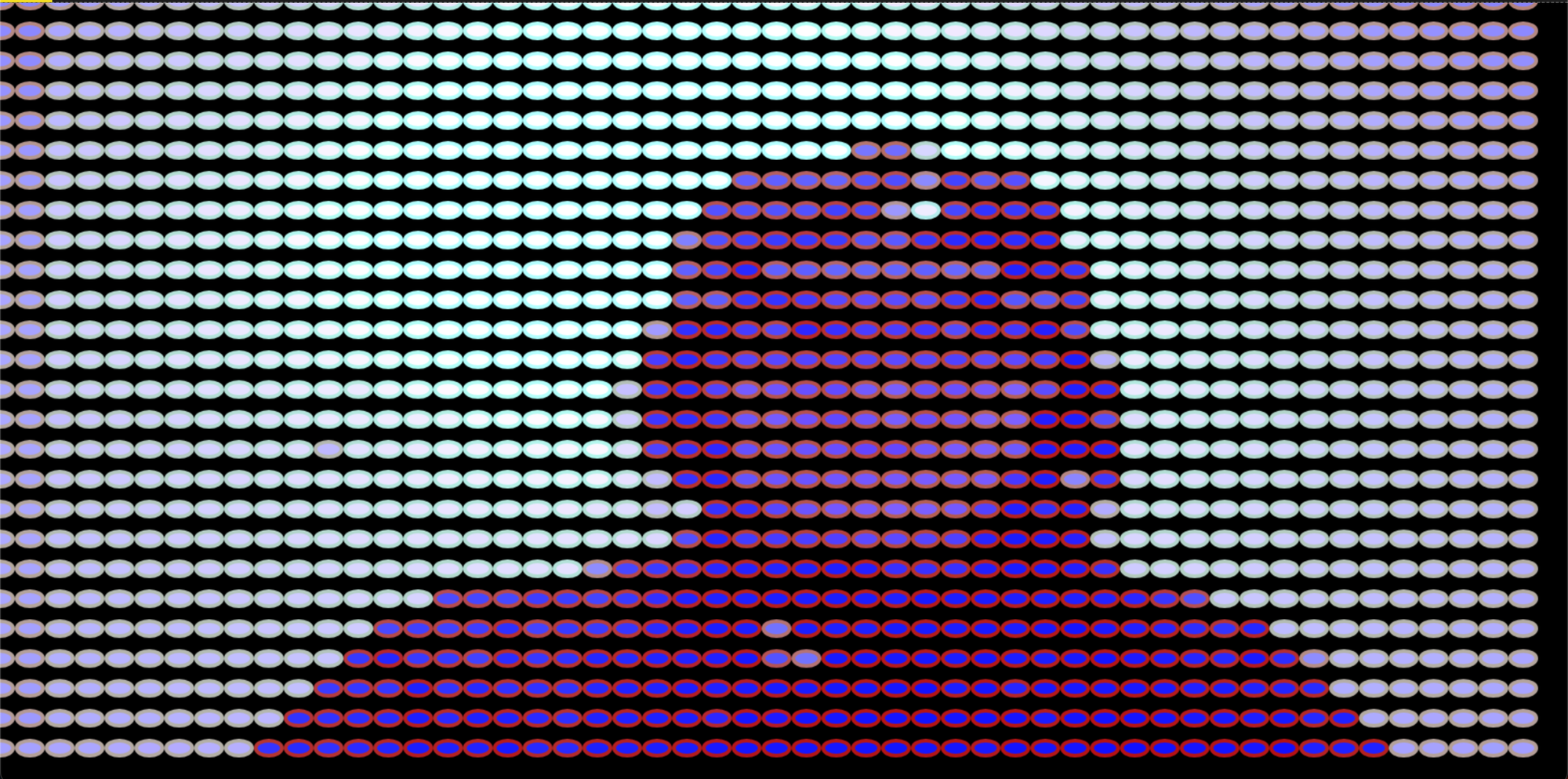
2. Interactive Ellipses: The size of ellipses drawn on the canvas changes based on the horizontal and vertical positions of the mouse, allowing for an interactive effect where the user can control the size and placement of the ellipses.

3. Dynamic Color: The color of the ellipses is based on the RGB values of the corresponding pixels in the video feed, resulting in a dynamic and changing color scheme.

4. Real-time Video Feed: The video feed is continuously updated, so the image changes over time as new video frames are captured and processed.
screenshot examples
Inspiration And Reference
Henri Matisse artworks - French visual artist
My photos from my everyday life.