SoloLearn Icon Design

UI Design, Product Design
Role
Product Designer
Goal
Create consistent and clear visual meaning icons, and establish guidelines for their use.
Project Overview
SoloLearn is a series of free apps that allows users to learn a variety of programming languages and concepts through short lessons, code challenges, and quizzes. Product needed an update and fresh look for all platforms Web, Android, iOS.

Objective:
To improve the user experience by creating a new group of icons and replacing the old ones, and establishing guidelines for the future.

Scope:
The project involved redesigning the existing icons in the user interface with the new icon set. The project also included establishing a set of rules and principles for the future use of icons in the interface.
Problem
Analyze the current design
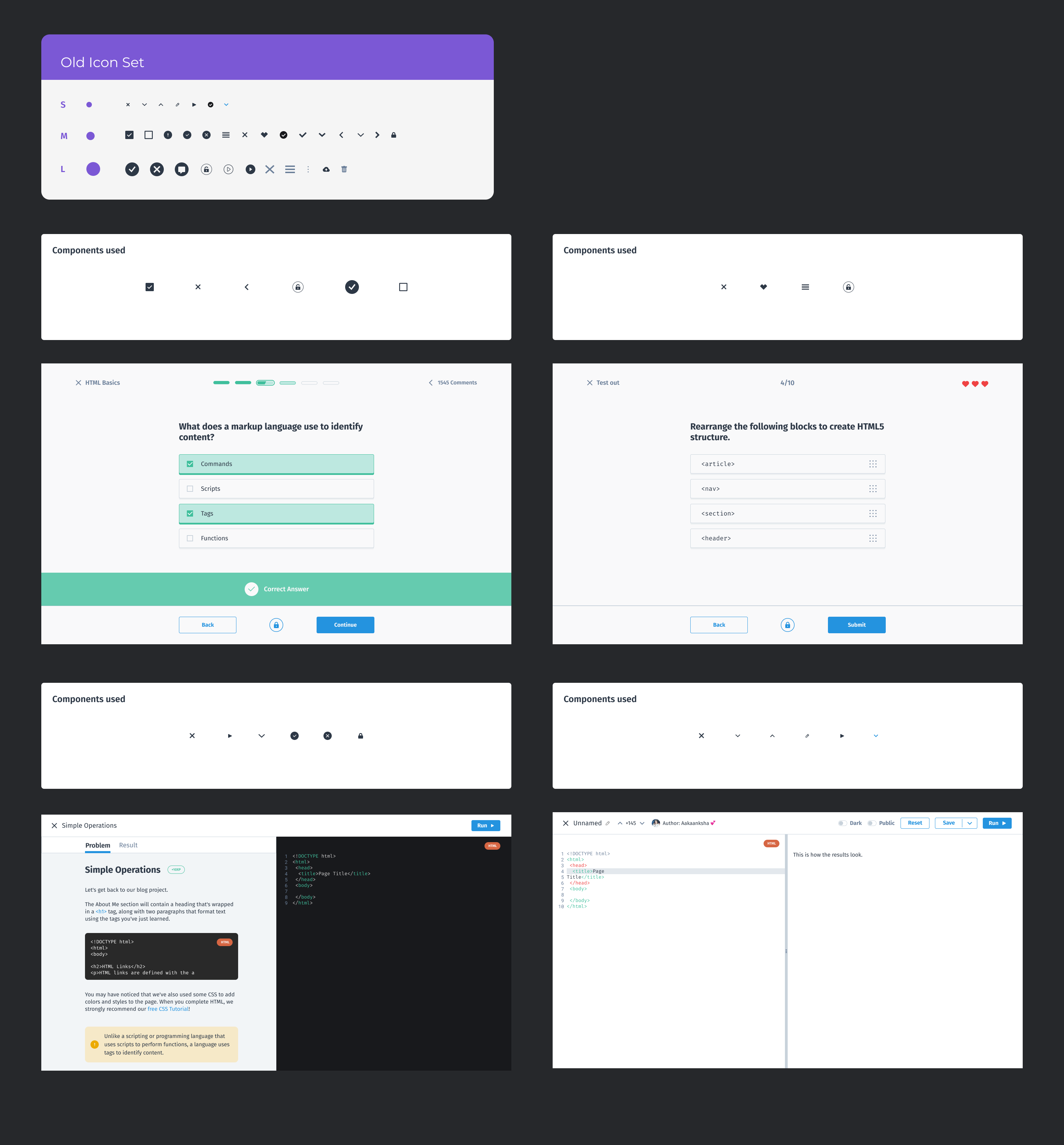
Before making any updates, take a close look at the current design of the product on all platforms. Identify areas that need improvement, such as outdated or confusing design elements.
Research
Gathering information and data to better understand the needs of the users
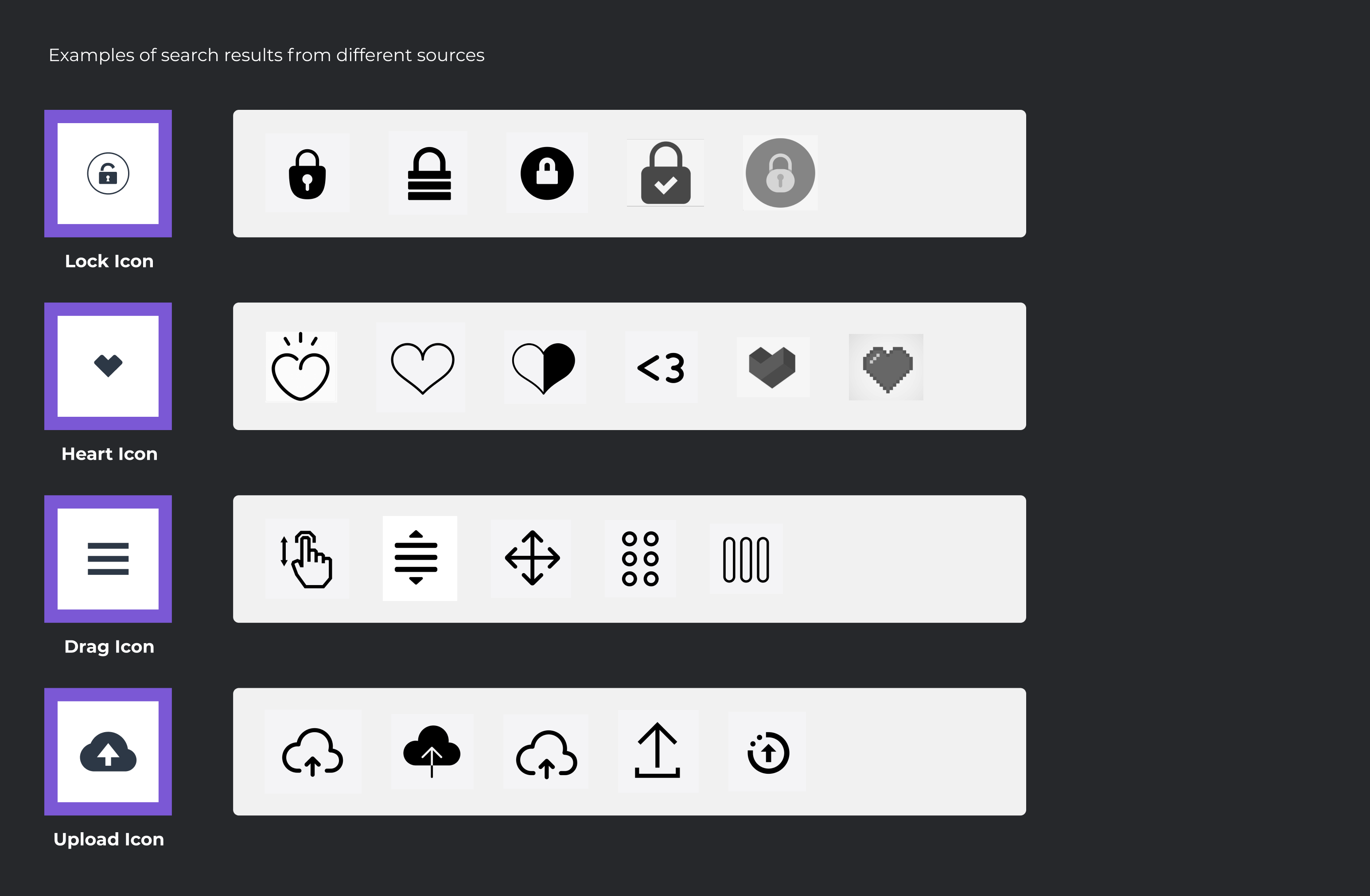
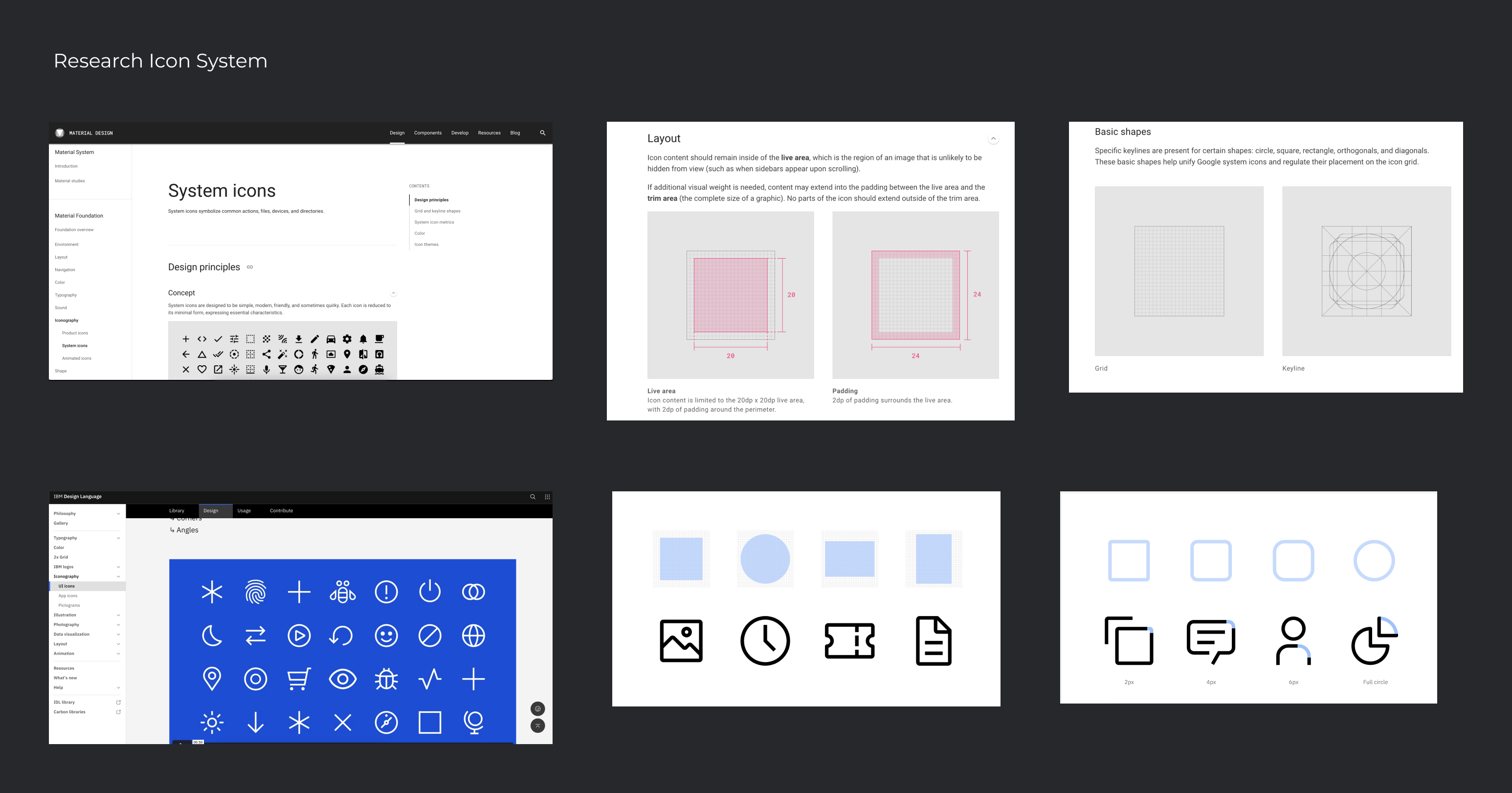
Conduct user research to gather feedback on the current design and to understand what users would like to see in the new design. This  help to create a design that meets the needs of our users.
Design: Phase One
Sketching or Law Fidelity shapes
The first step in designing any interface is to create sketches of potential designs. This allows us to brainstorm ideas and explore various design solutions quickly and inexpensively.
Design: Phase Two
Prototype / Iterate / Test
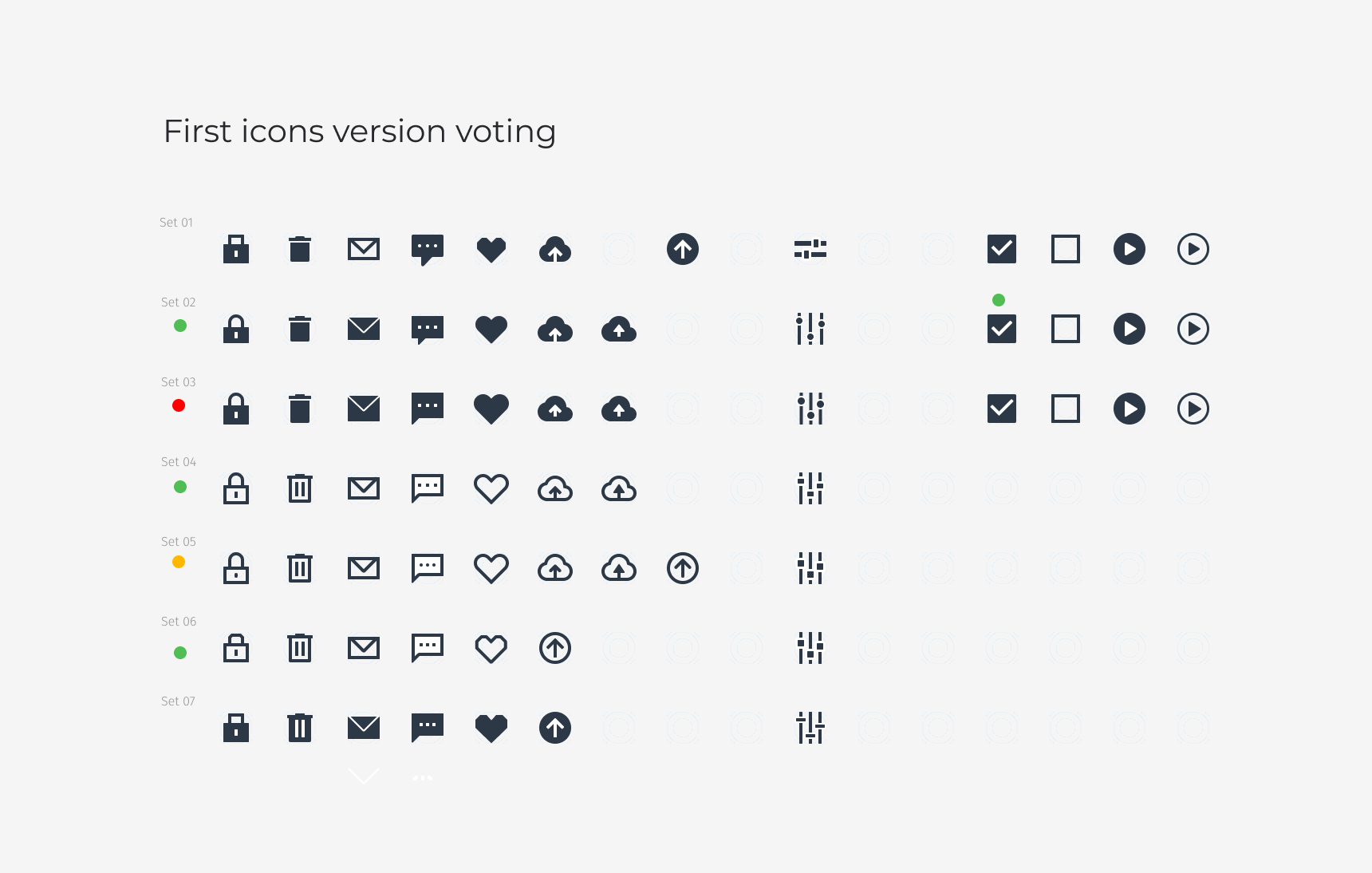
Once we have some initial sketches, the next step was to create a prototype of the design. This was a low-fidelity prototype that demonstrates the basic functionality of the interface, or a high-fidelity prototype that more closely resembles the final design.

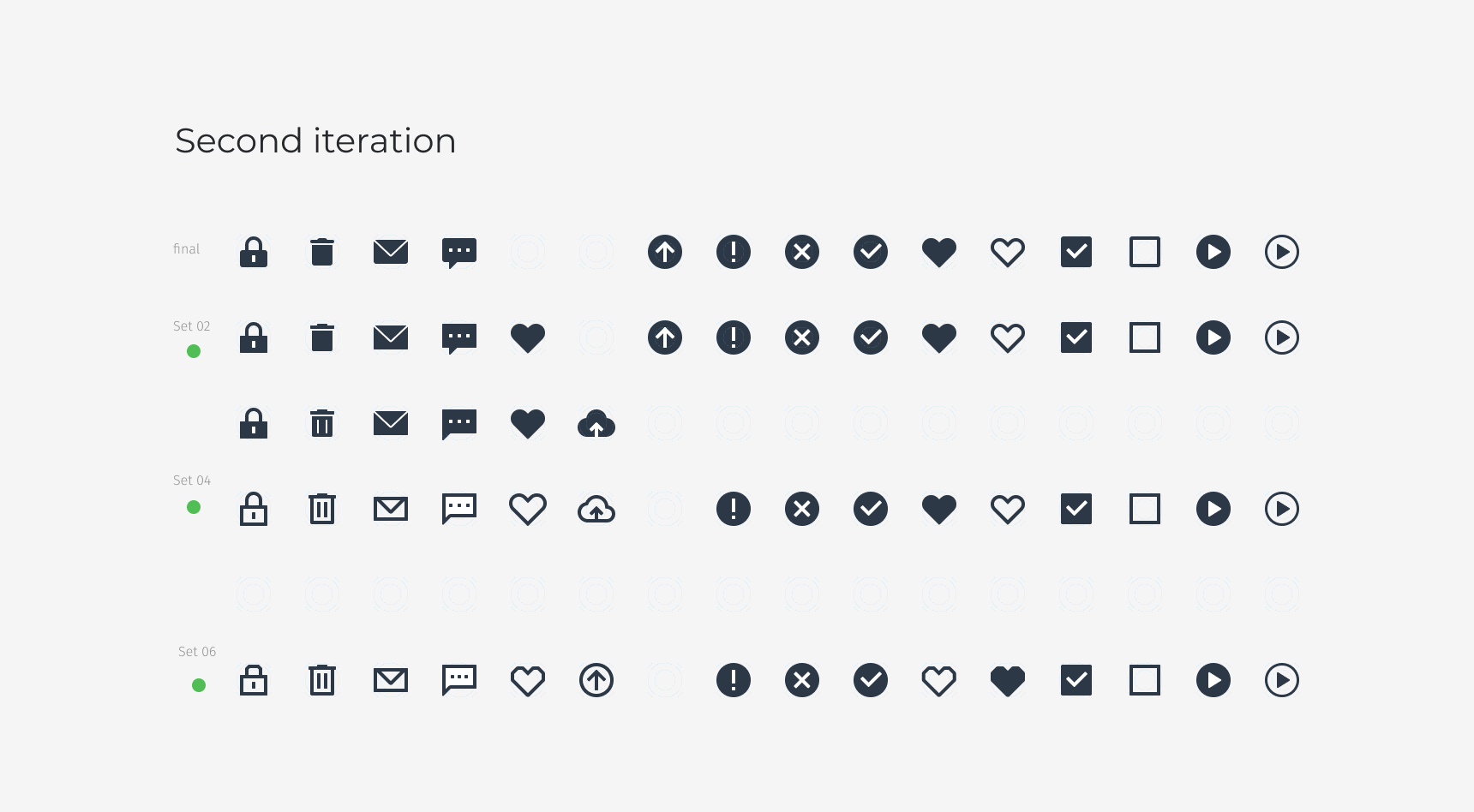
After creating a prototype, we test it with users and collect feedbacks. Based on this feedbacks, we refine the design and iterate on the prototype, making changes and improvements until we arrive at a final design that meets the needs of our users.
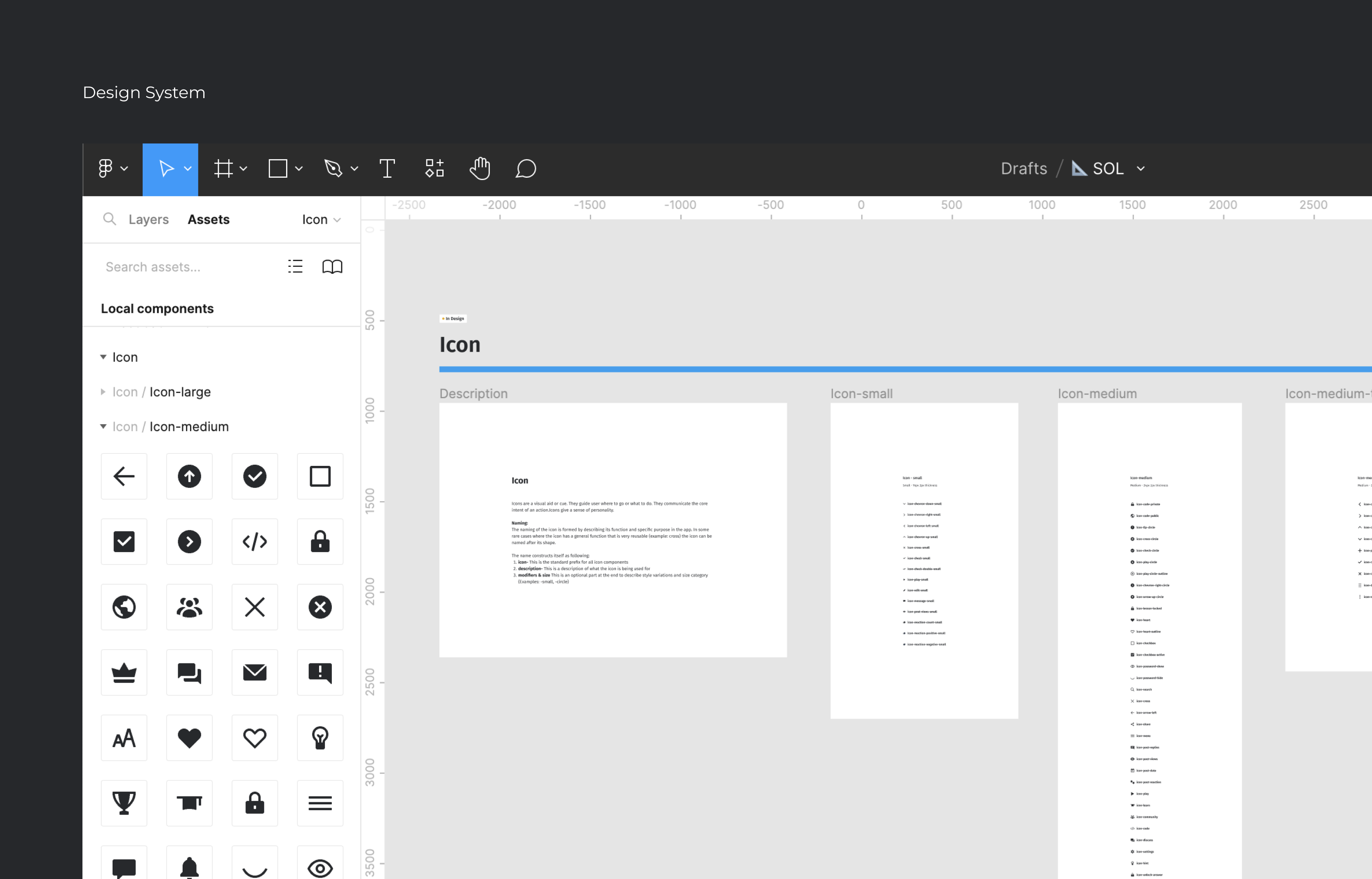
Design System
A design guidelines, principles, and
assets that define the visual and functional
aspects of a product.


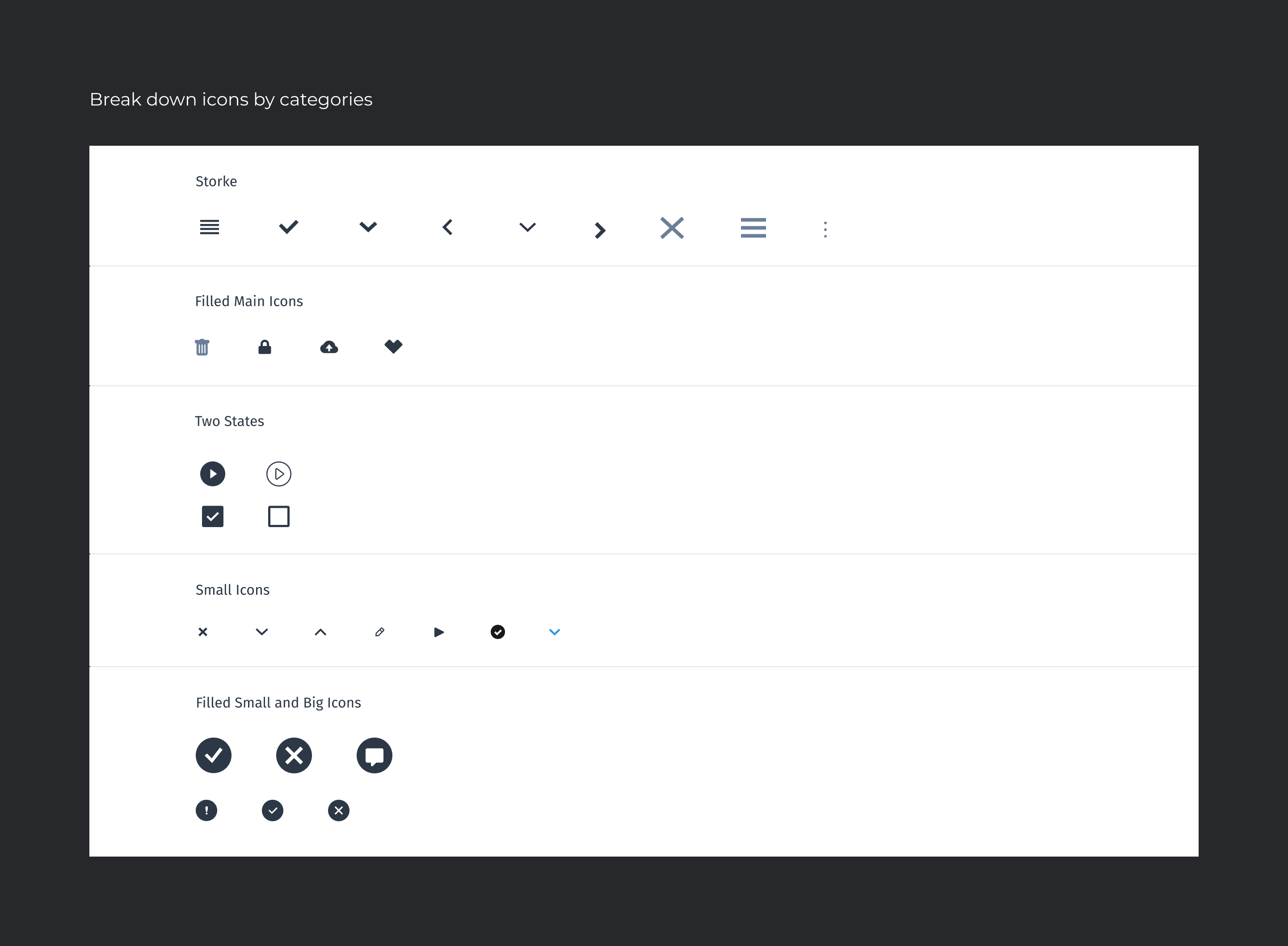
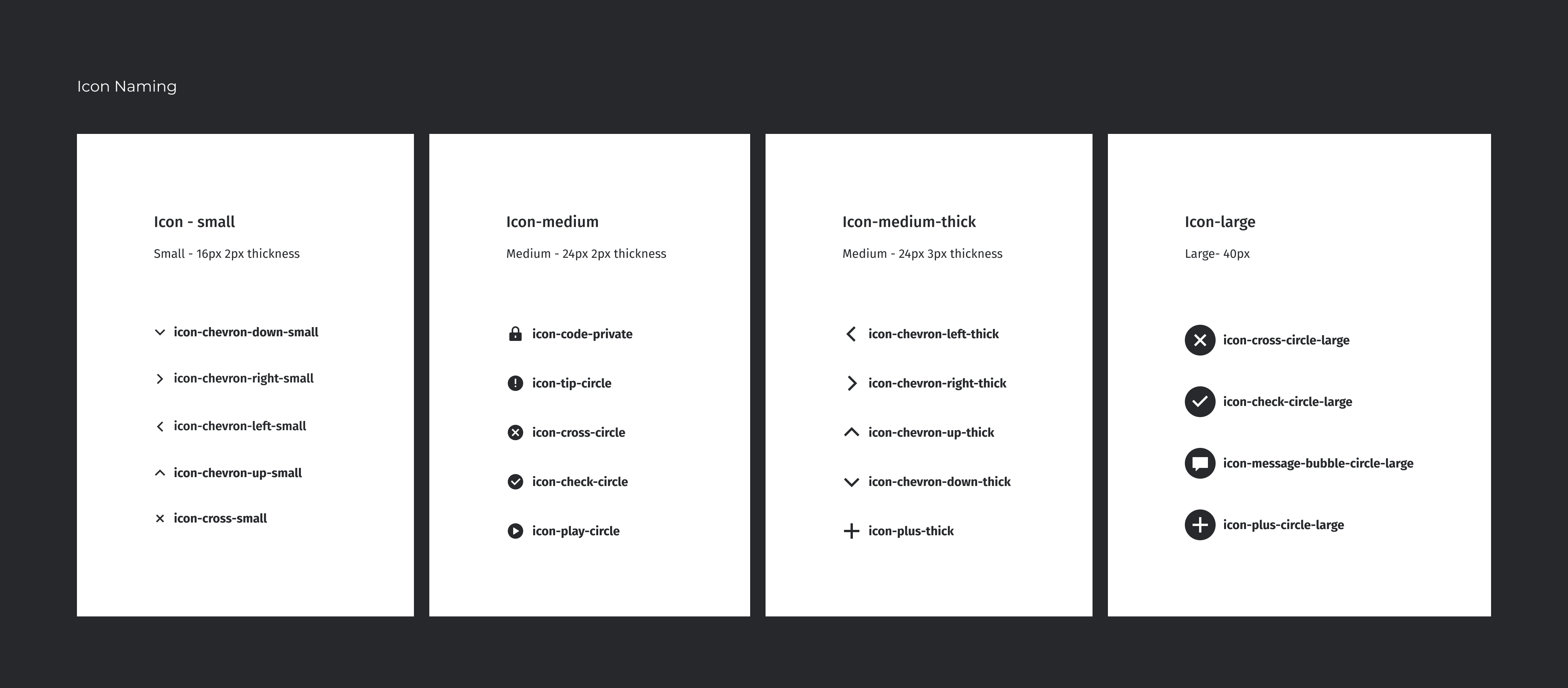
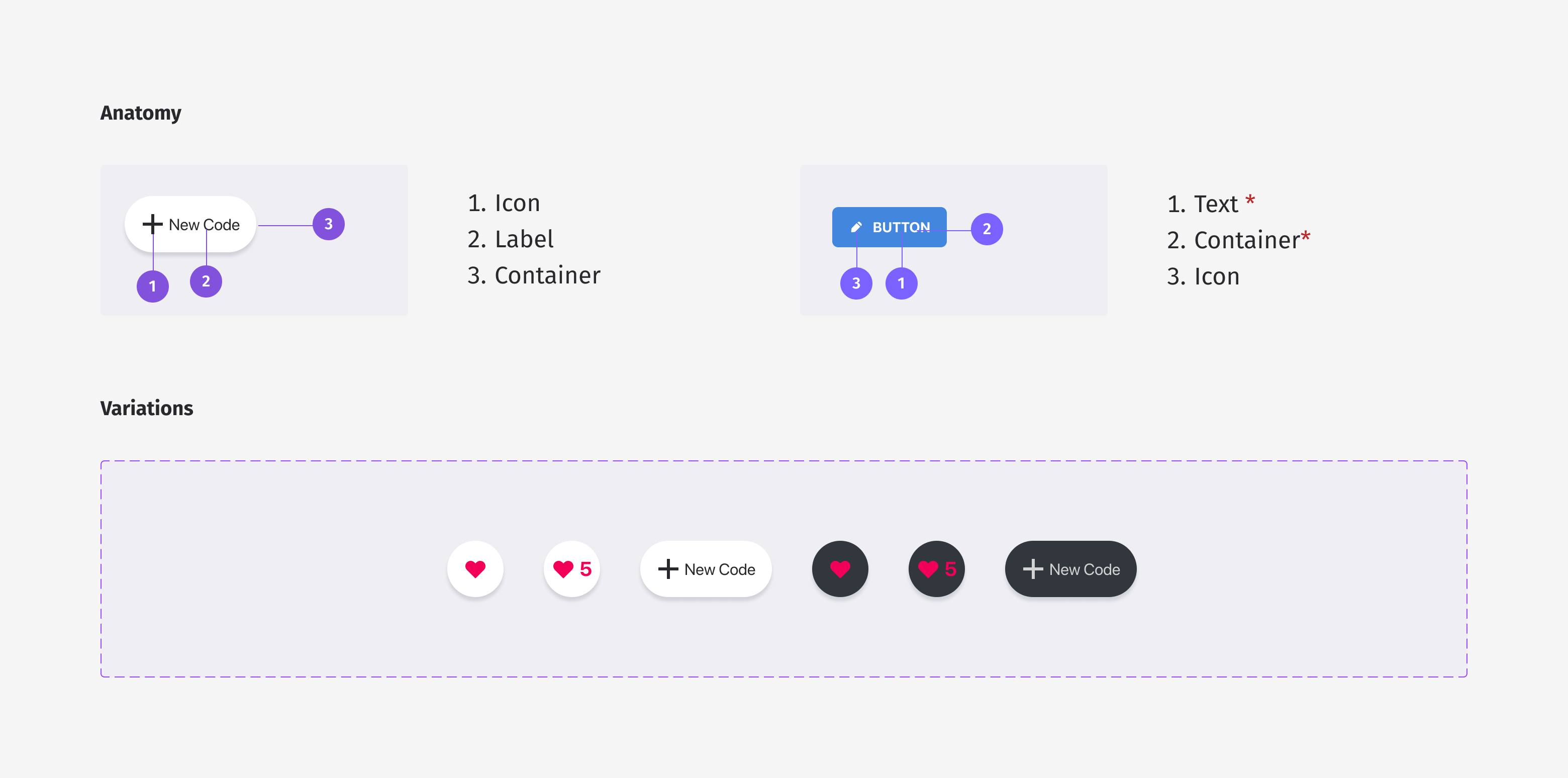
Establishing a set of rules and principles for the future use of icons in the interface was crucial to ensure consistency in design and to maintain a cohesive user experience. This involved creating a style guide, which outlined specifications for the use of icons in the interface, including size, color, and spacing. The style guide also established principles for the use of icons to ensure that they were clear, understandable, and consistent throughout the interface. By creating a new icon set and establishing guidelines for the future use of icons in the interface, the project was able to improve the user experience and provide a more consistent and cohesive interface design.

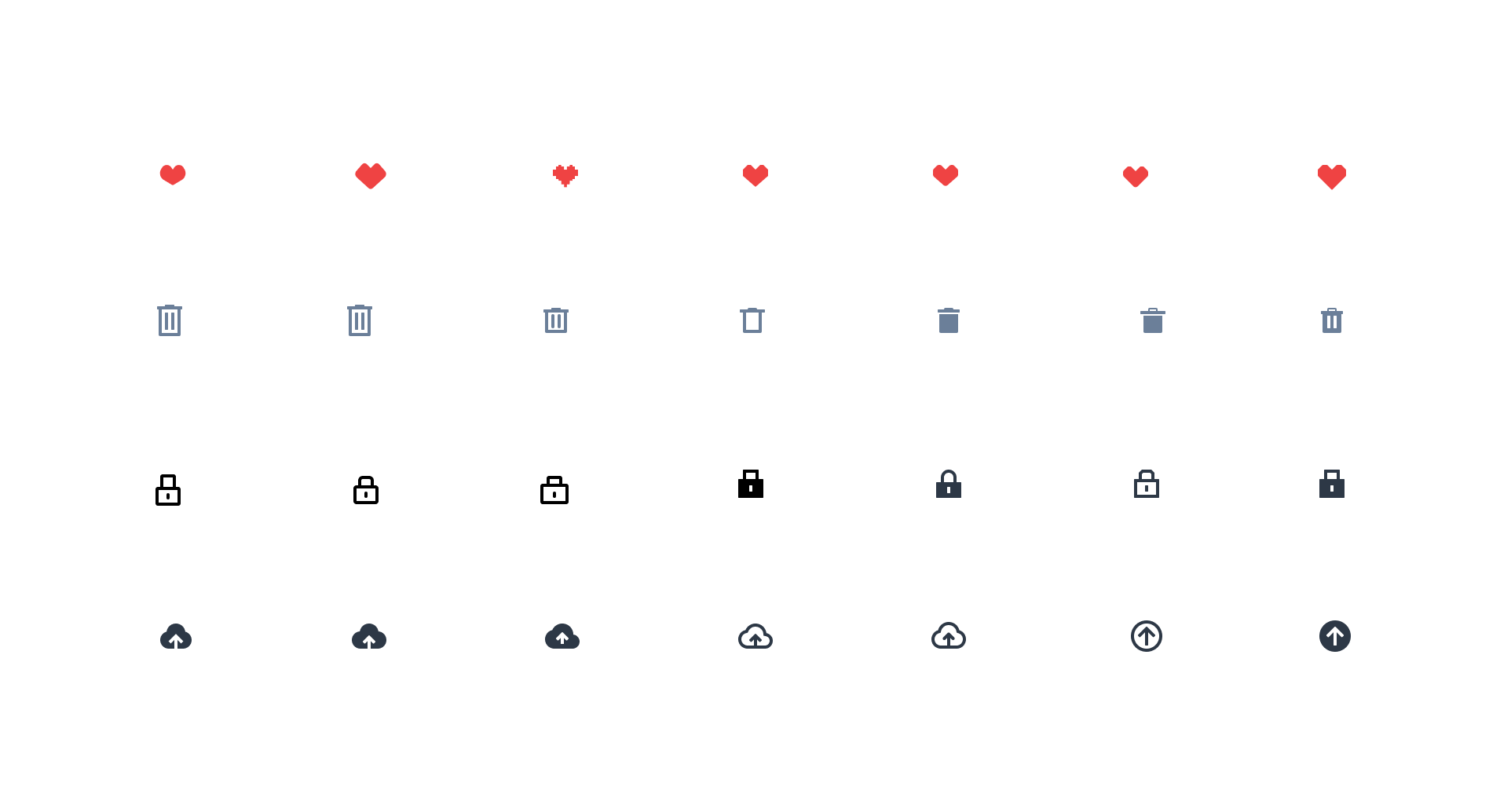
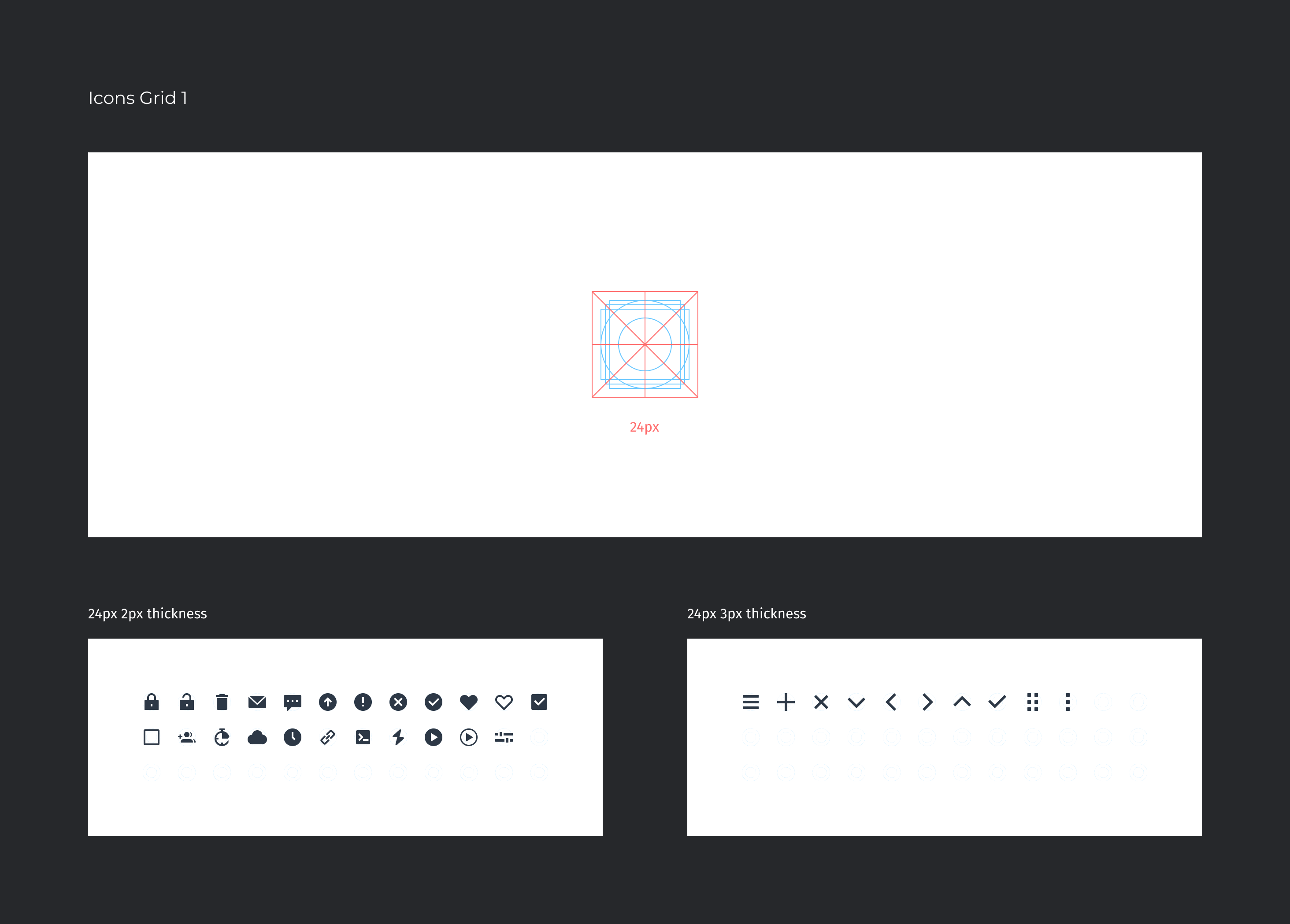
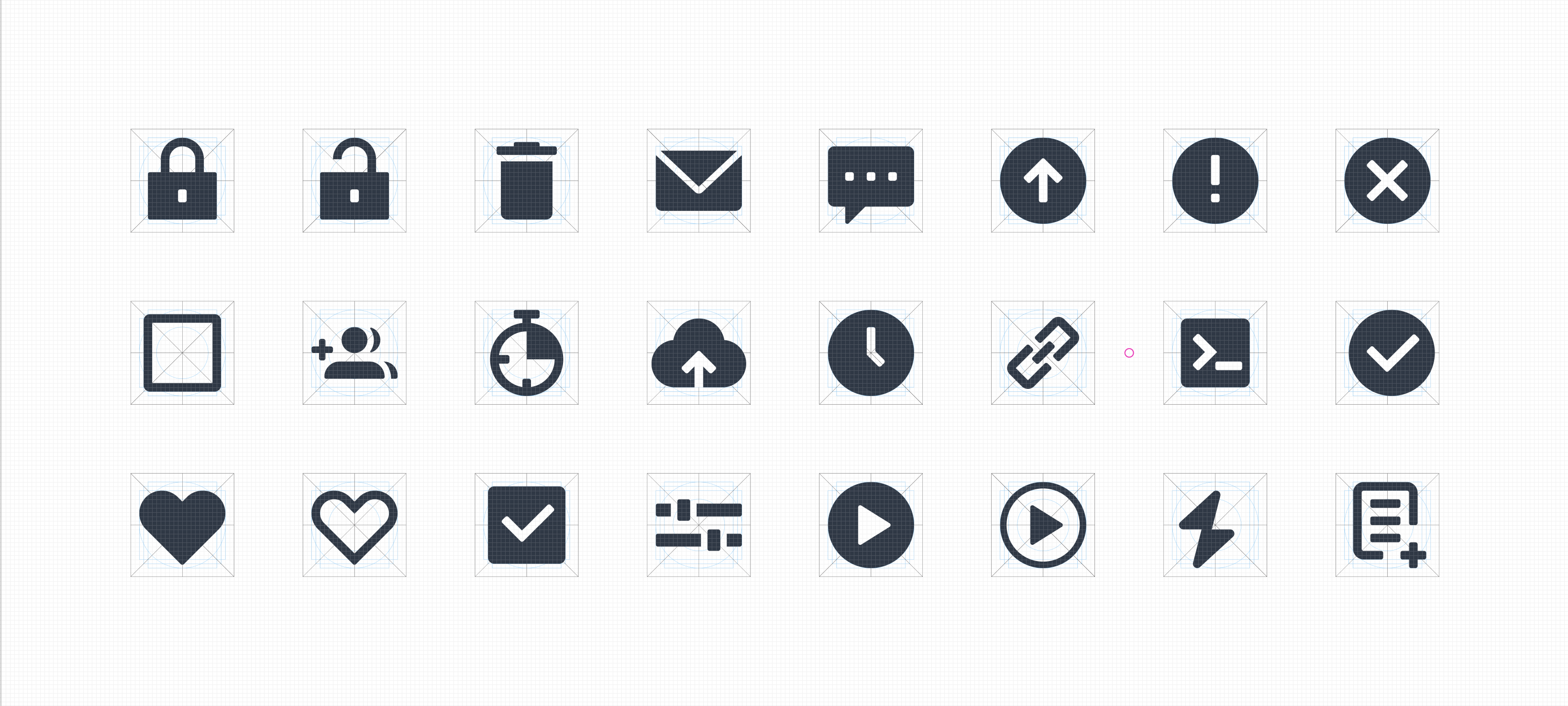
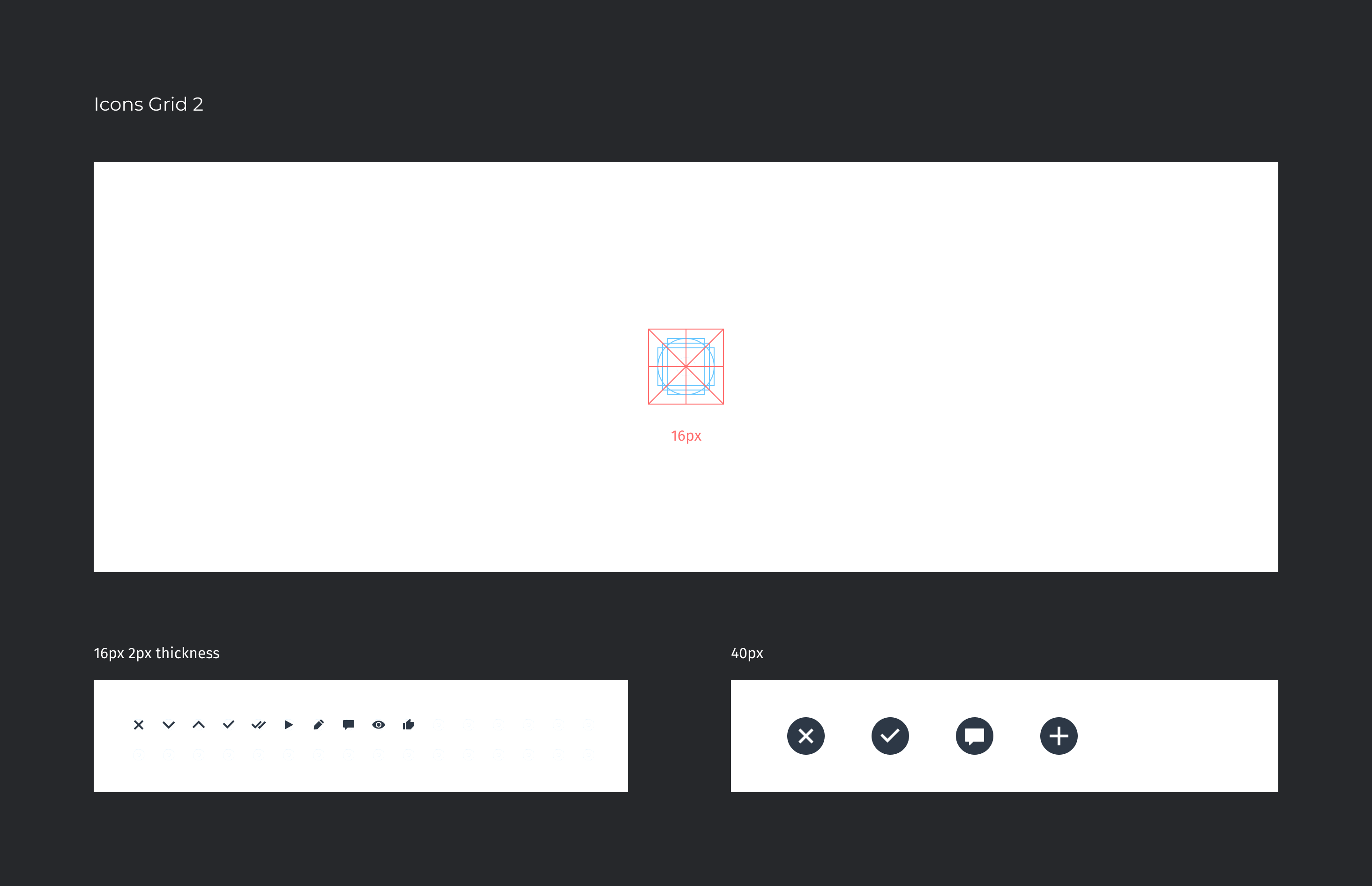
Created a new set of icons for an application with two different grid sizes, 16 pixels and 24 pixels, both contained within a 40 pixel bounding box. The main icons are filled shapes with a 2 pixel thickness, but navigation icons are outlined with a 3 pixel thickness for visibility.

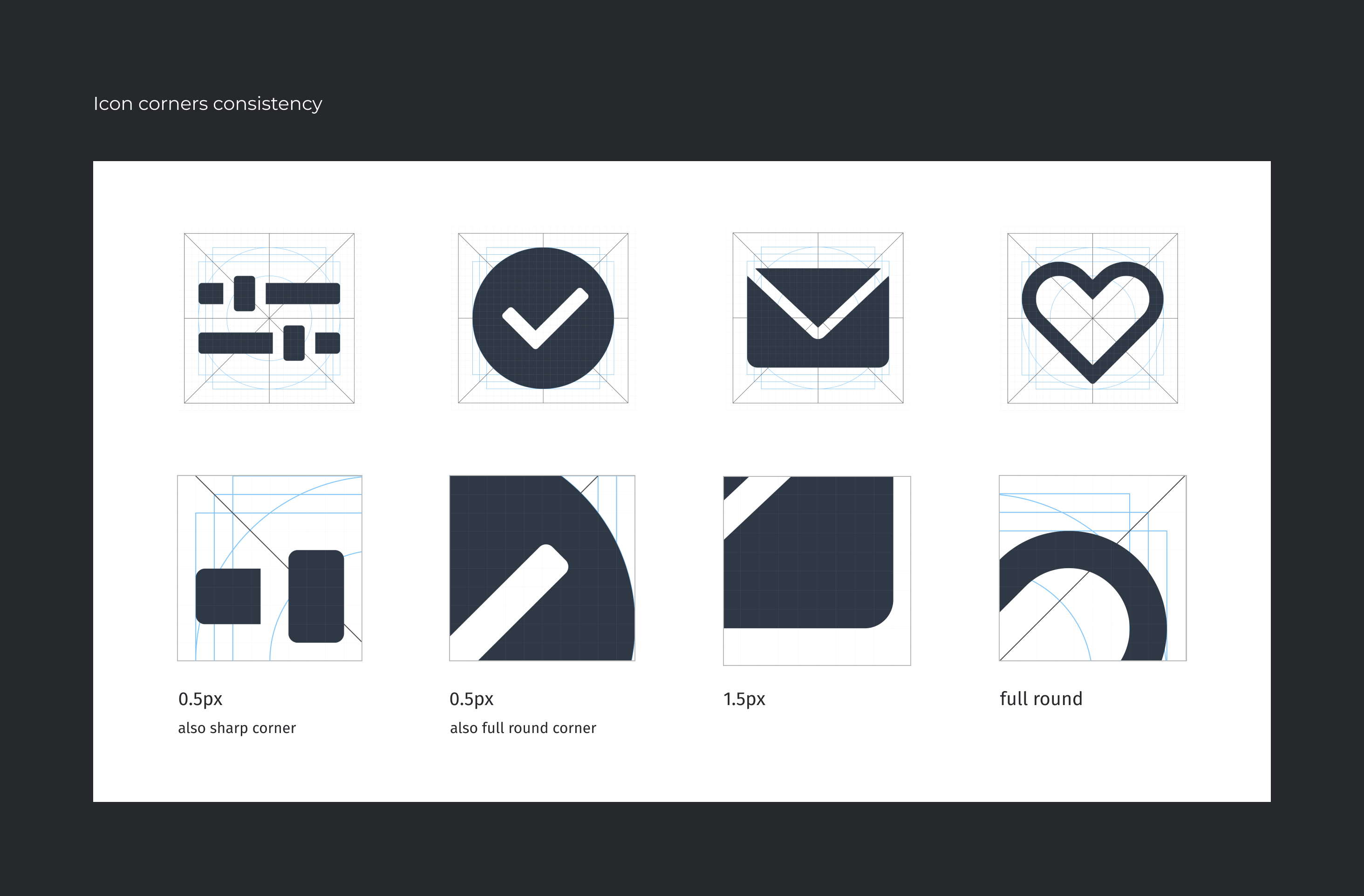
Also made a decision to keep the corners of the icons sharp yet soft, with a radius of 0.5 and 1.5 pixels. Additionally, some icons require backgrounds, but still maintain the 40 pixel size. The roundness of the icons is small but not too soft, striking a balance between sharp and rounded edges.Created a new group of icons to replace the old ones, ensuring that they are clear, easy to understand, and consistent in design.

Implementation and Documentation
Integrate into the product
Once the design has been finalized and tested, implement the new design across all platforms. Work with developers to ensure that the design is implemented correctly and that it functions properly.
Final Result
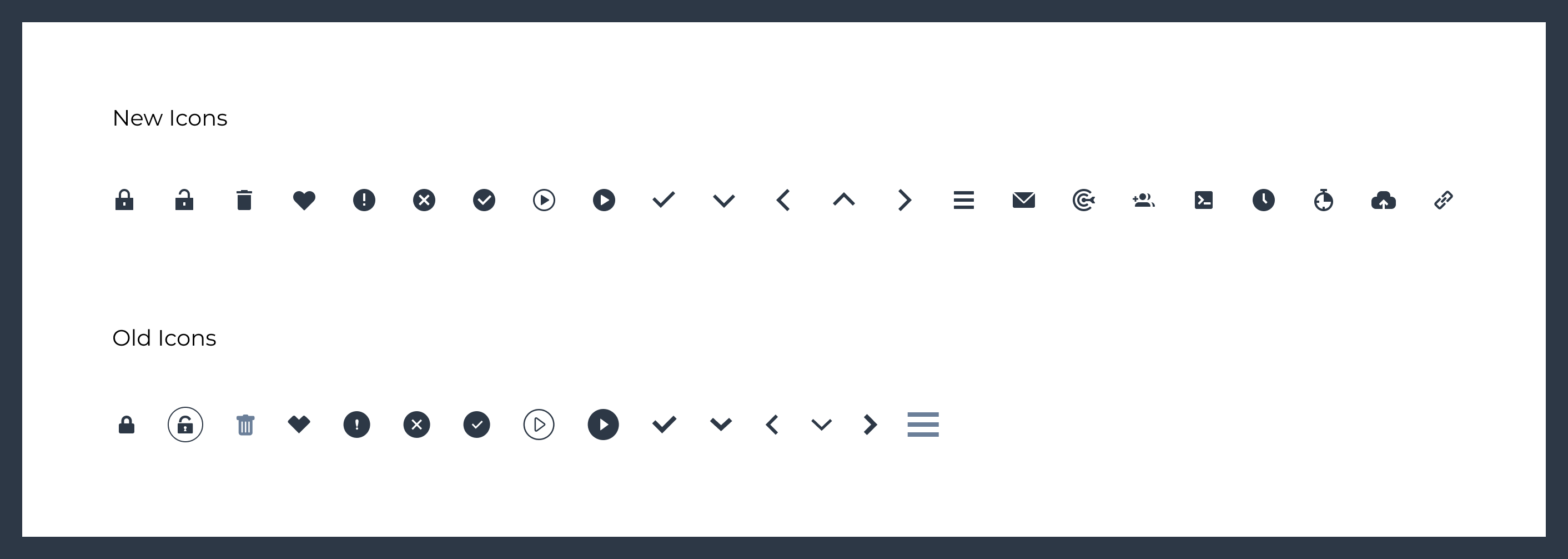
Before - After
Overall, the new set of icons is designed with a focus on consistency and clarity, providing users with easily recognizable symbols that convey their intended meanings quickly and effectively. The different grid sizes and thicknesses for navigation icons show a thoughtful consideration for accessibility and legibility, while the soft yet sharp corners and small radius of roundness create a modern and visually pleasing design aesthetic.