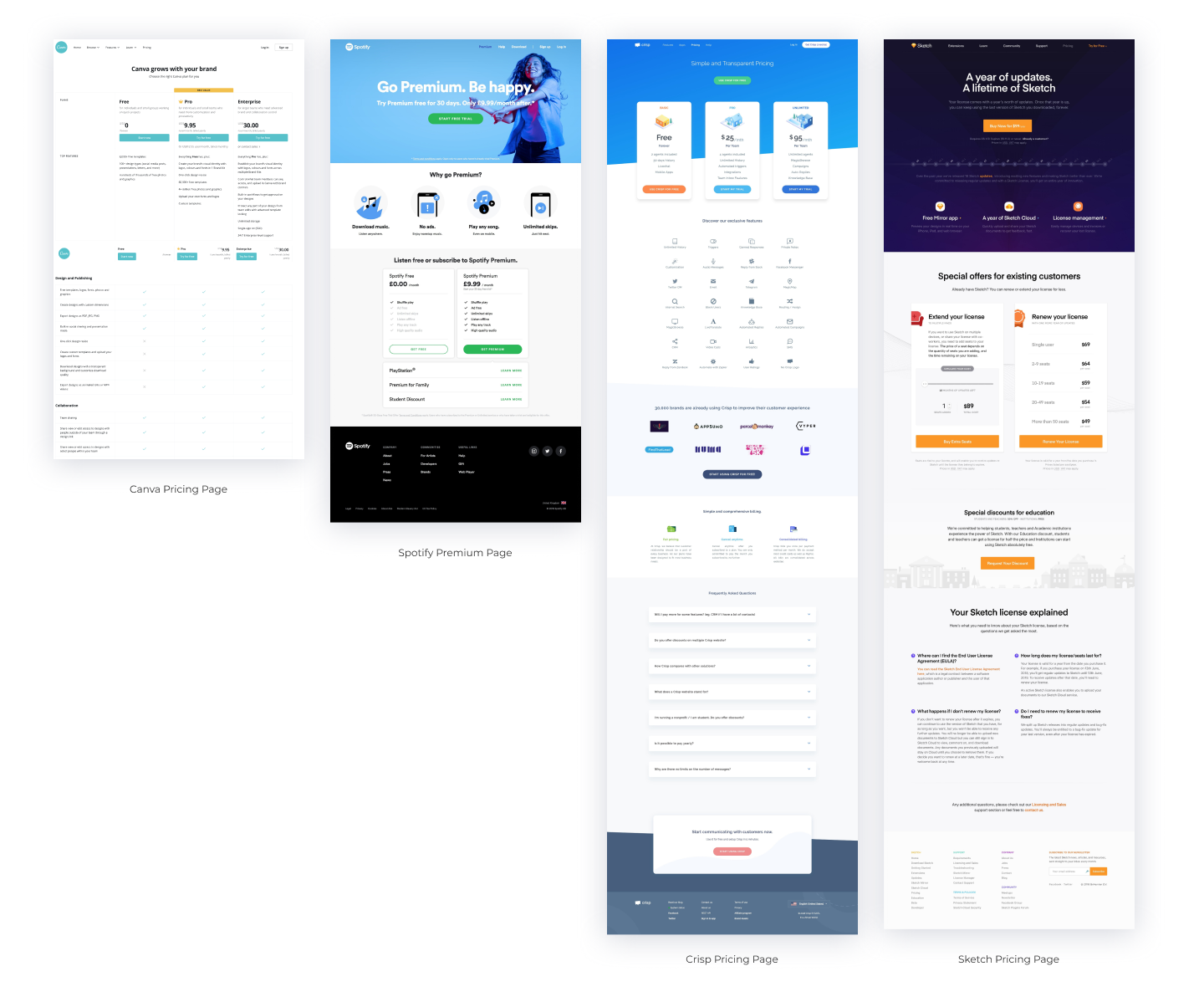
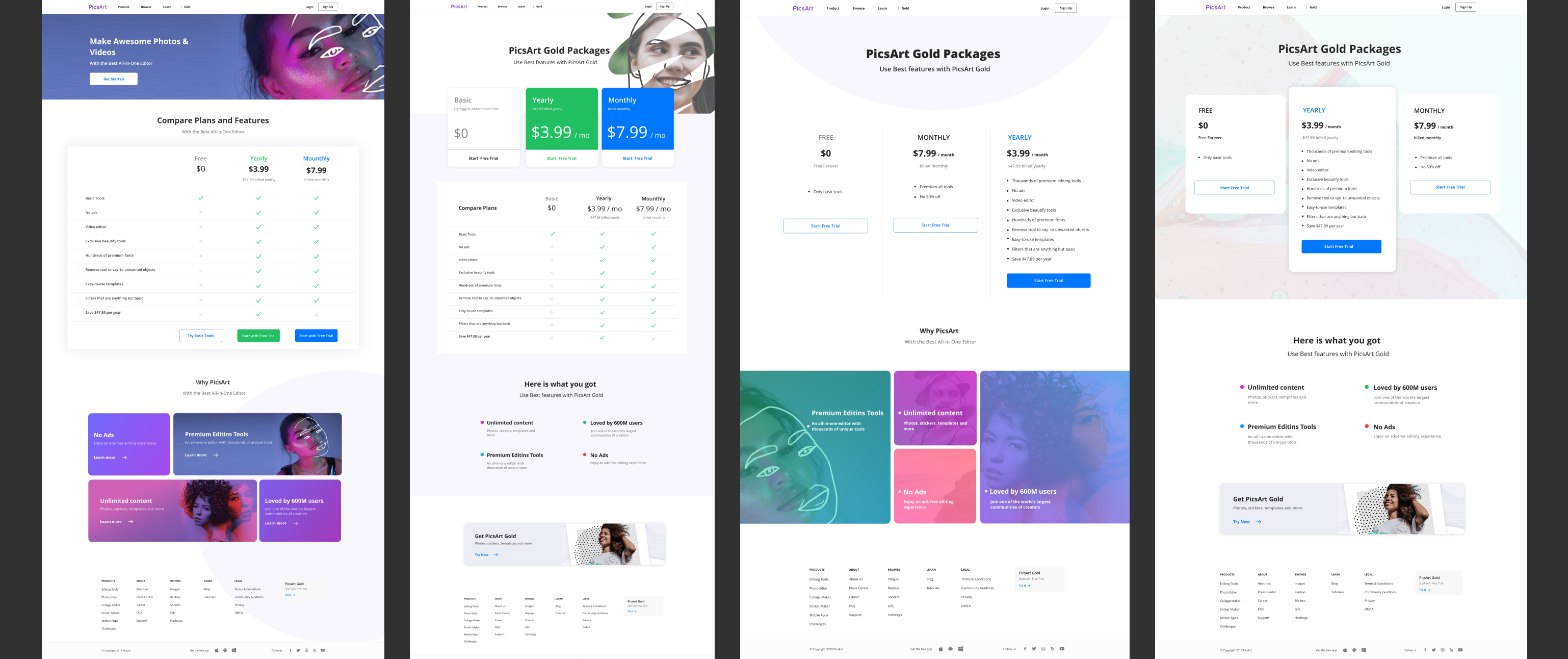
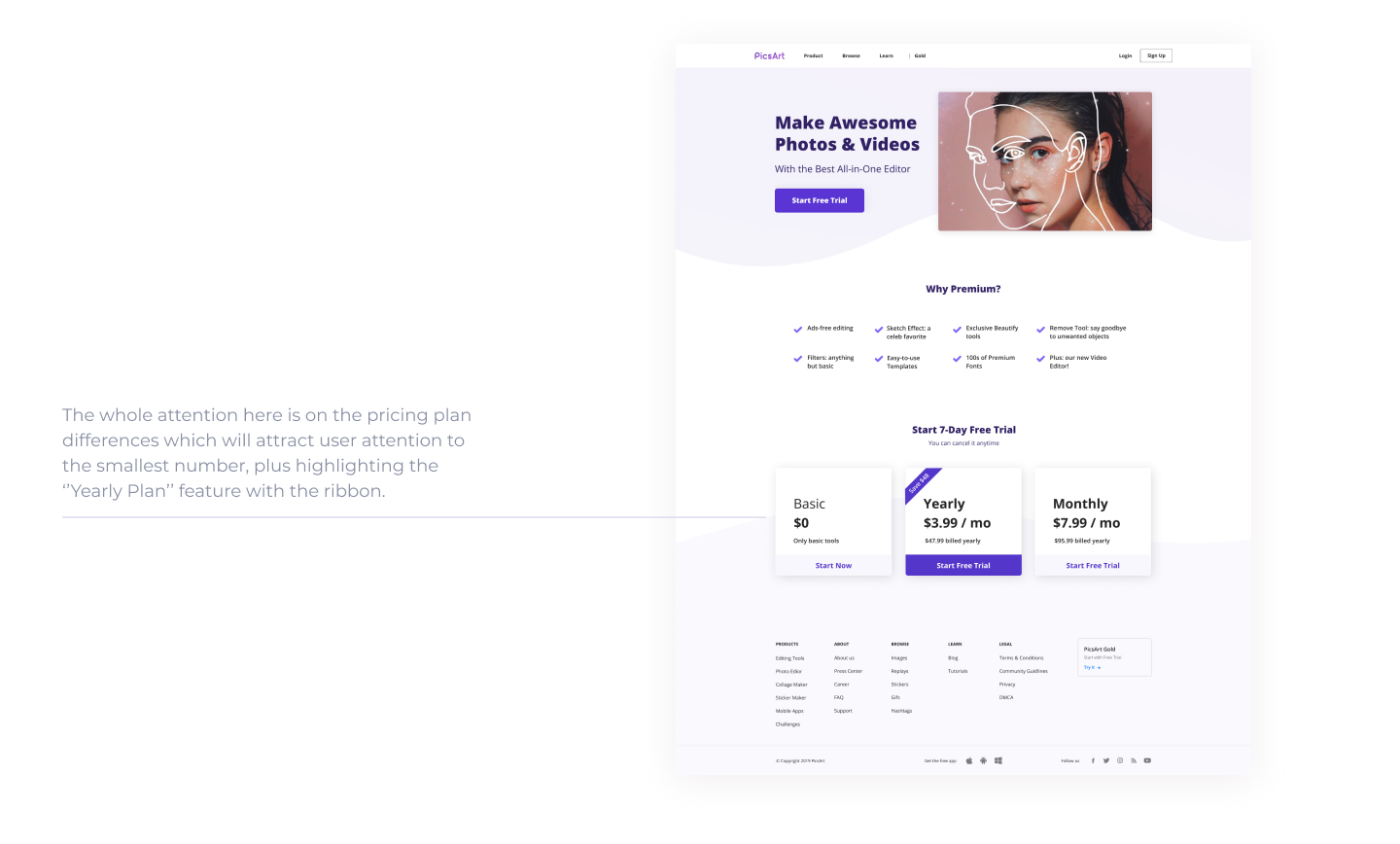
The general research feedback about the premium web page suggests that it should avoid creating a cluttered layout and instead create a focal point that guides users towards the desired action. This means being mindful of the user experience and avoiding overwhelming the user with too much information or design elements.
The use of color on the website should be discreet, with no more than three colors, and should reflect the brand, complement the content, and visually delight viewers. This can help create a cohesive and visually pleasing user experience that supports the brand identity.
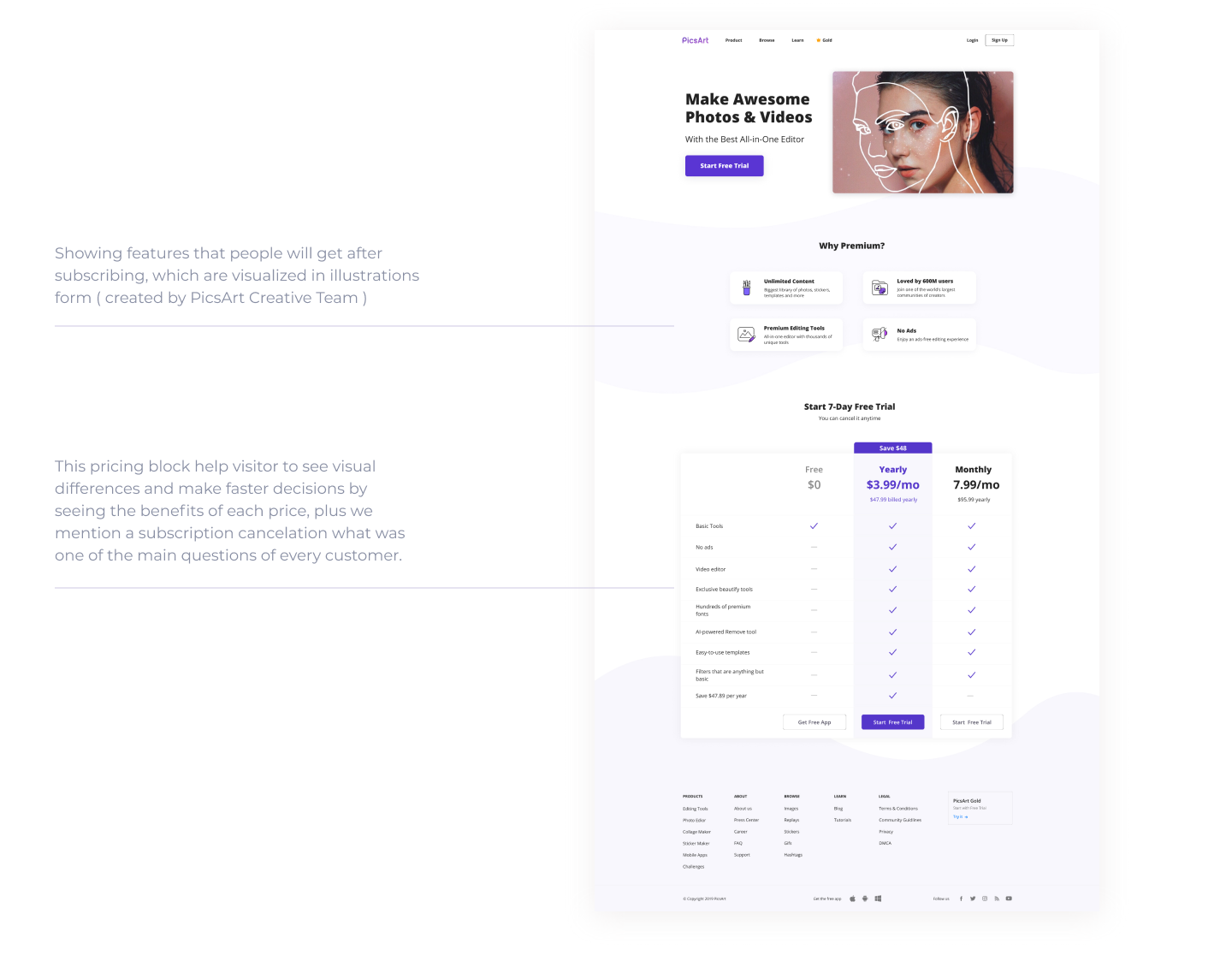
To create a clean and readable content, the web page should avoid filling it with long paragraphs and instead, use short, concise, and scannable copy that is structured around the three points mentioned above. The content should be well-spaced and divided into readable chunks, using ample white space, images, and proper flow. This can help users quickly and easily understand the value of the premium service and the benefits of upgrading.
Overall, the feedback suggests that the premium web page should be designed with the user in mind, keeping it simple, clean, and easy to navigate. By following these principles, designers can create a web page that effectively communicates the value of the premium service and encourages users to upgrade.
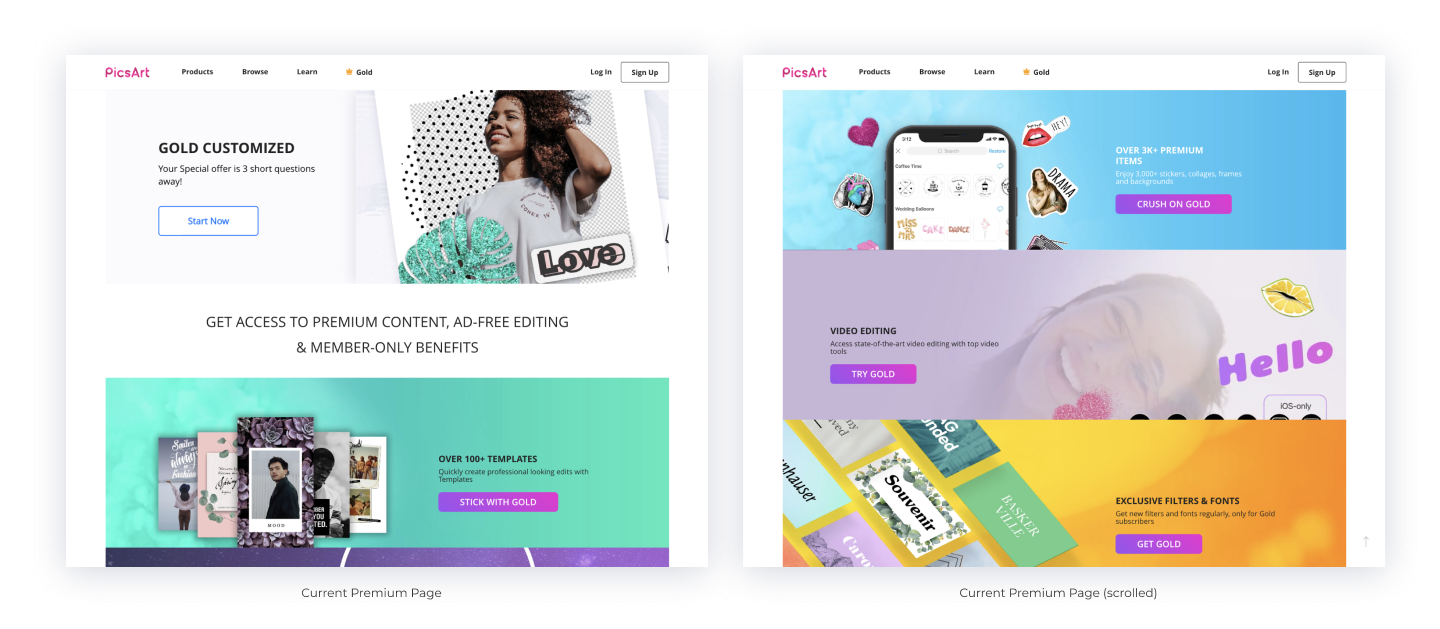
The product problem with the website premium page is that it creates visual pressure for the user. The page lacks a clear structure and there is too much attention on every layer, making it overwhelming for the user to navigate and understand. Additionally, there is a lack of connection between the product and the user, which can make it difficult for users to see the value of the premium service.